How to Track Your Pomodoro Progress Using Notion Templates
Hi everyone. Welcome to Scholar Orbit, a one-stop global education hub dedicated to empowering lifelong learners worldwide. Through https://scholarorbit.blogspot.com, we provide access to a wide range of quality learning resources, from expert study guides and in-depth academic insights to practical skill-building tutorials. Whether you're pursuing academic excellence in school or seeking professional career advice to advance in the professional world, Scholar Orbit is here to be your ultimate guide to success. Please read on, we hope you enjoy it.
Why You Need a System for Your Focus
We have all been there. You sit down at your desk with the best intentions, coffee in hand, ready to crush your to-do list. Then, two hours pass. You have checked your email six times, scrolled through social media, and somehow managed to reorganize your desktop icons instead of finishing that report. The truth is, our brains were not designed for eight-hour marathons of deep work. That is where The Pomodoro Technique: Maximizing Your Focus During Study Sessions comes into play. By breaking your day into bite-sized, manageable chunks, you can maintain high energy levels without burning out by lunchtime. But here is the catch: a timer alone is not enough. You need a way to track your progress, analyze your habits, and see where your time actually goes. That is why I started using Notion to build a custom dashboard for my daily sprints. It transformed my workflow from chaotic to calculated.Setting Up Your Notion Pomodoro Dashboard
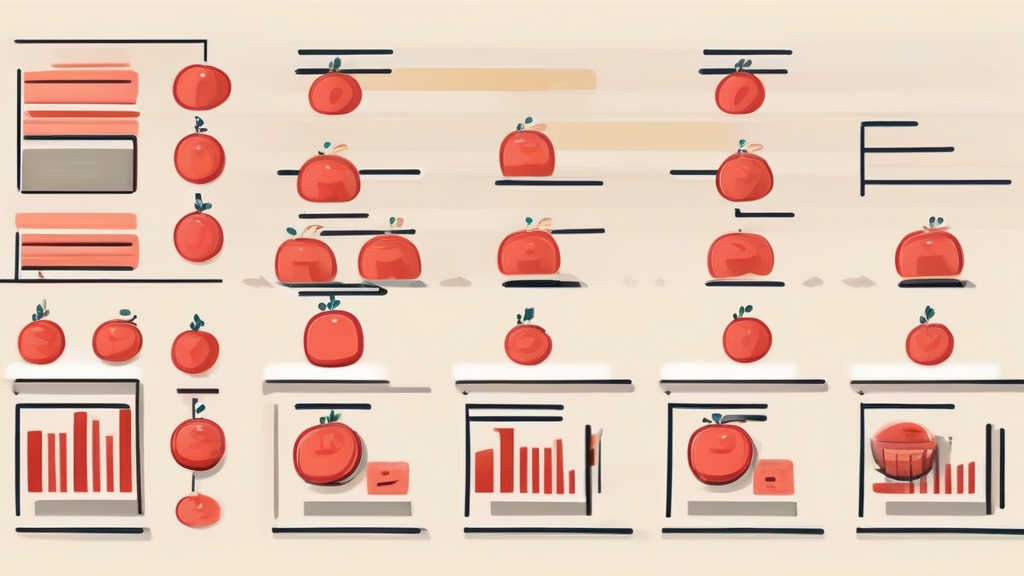
Notion is basically a digital Lego set for your life. You can build a simple table, or you can go full-blown architect and create a complex database with automated formulas. I recommend starting simple so you do not get stuck in the "productivity porn" trap of over-organizing. First, create a new page in your workspace. Title it "Focus Hub." You want this to be the first thing you see when you open your laptop. Inside this page, create a database. This will be your master record for every session you complete. Add columns for the date, the task name, the number of pomodoros completed, and a "Notes" section for any distractions that popped up.Customizing for The Pomodoro Technique: Maximizing Your Focus During Study Sessions
To really get the most out of this, you need to track your "interruption count." Every time you feel the urge to check your phone or get up for a snack during a 25-minute sprint, make a note of it. Seeing those numbers staring back at you in your database is a reality check. You can also add a progress bar using Notion formulas. It is incredibly satisfying to see a bar fill up from 0% to 100% as you tick off your daily goals. It turns a boring work day into something that feels like a progress bar in a video game. Don't forget to use tags. Tag your tasks by project or energy level. If you know you are a morning person, tag your hardest tasks for 9 AM. If you hit a slump at 3 PM, tag those tasks as "Low Energy" so you know exactly what to work on when your brain feels like mush.The Science of Time Boxing
Why does this work? It boils down to time management and the way our brains handle sustained attention. When you know a break is coming in just a few minutes, you are less likely to succumb to the temptation of multitasking. Multitasking is a myth. You are actually just switching your focus rapidly, which drains your cognitive resources. By forcing yourself to stick to one task for a set period, you are effectively training your brain to ignore external stimuli. I used to think I was a great multitasker. I would have three tabs open, a podcast playing, and my phone buzzing next to me. I was constantly busy but rarely productive. Once I started tracking my pomodoros in Notion, I realized I was only getting about three hours of real, high-quality work done per day.Analyzing Your Data for Better Results
Tracking is useless if you don't look at the data. Once a week, take five minutes to review your database. Look for patterns. Are you consistently struggling with focus on Tuesday afternoons? Maybe that is the day you should schedule your meetings or admin work instead of deep creative tasks. Do you notice that you only get three pomodoros done before lunch, but six in the evening? Shift your schedule to match your natural rhythm. Your Notion database will give you the objective truth that your intuition might miss.Integrating Automation
If you are feeling ambitious, you can integrate your Notion setup with other tools. Using a service like Zapier, you can have your pomodoro timer automatically log a row in your Notion database every time you hit "stop." This removes the manual friction of typing in your stats. The easier the system is to use, the more likely you are to actually stick with it. If you have to spend ten minutes entering data, you will stop doing it after three days. Keep it lean.Common Pitfalls to Avoid
Many people fail with this technique because they treat the 25-minute timer as a prison sentence. If you are in a "flow state" when the timer goes off, don't just stop because the clock says so. The goal is to focus, not to follow a rigid ritual. If you are on a roll, keep going for another 10 or 15 minutes. Just make sure to take a longer break afterward. Another mistake is being too hard on yourself when you have an "off" day. We all have days where we can't focus to save our lives. Your Notion tracker shouldn't be a source of guilt; it should be a diagnostic tool. If you had a bad day, write down why. Was it lack of sleep? Too much caffeine? A noisy environment?Building a Sustainable Routine
Consistency is the secret sauce. You don't need to be perfect every day; you just need to show up. Use your Notion page as a home base. When you sit down, clear your desk, open your Notion dashboard, and hit start. Eventually, this becomes a pavlovian trigger. Your brain learns that when the "Focus Hub" is open, it is time to work. You stop fighting the urge to procrastinate because your environment is optimized for success. Keep your setup clean. If your Notion page is cluttered with too many widgets or unnecessary databases, it will become a distraction itself. Stick to the essentials: a timer, a task list, and a way to log your output.The Role of Accountability
If you work alone, it is easy to let standards slip. Sharing your Notion page with a friend or a mentor can be a game-changer. You don't need to share your private notes, but showing someone your weekly summary can provide a sense of external accountability. Alternatively, join an online community of people who use similar systems. Seeing how others structure their Notion workspaces can give you new ideas for your own. Just be careful not to spend more time setting up your Notion than actually doing the work.Refining Your Workflow Over Time
As you get better at this, your needs will change. Maybe you will want to track your energy levels on a scale of 1 to 5. Maybe you will want to track the specific tasks that take longer than expected so you can estimate your project timelines more accurately in the future. Notion allows you to evolve your system. Start with a basic table. Add columns as you realize you need more data. Delete things that aren't providing value. Your productivity system should be a living, breathing thing that grows alongside your professional life.Final Thoughts on Productivity
Tracking your progress is the best way to move from being "busy" to being "effective." When you use a structured approach like The Pomodoro Technique: Maximizing Your Focus During Study Sessions, you aren't just guessing how much work you can handle—you are basing your expectations on cold, hard data. Give this a try for one week. Don't worry about making it perfect. Just start logging your sessions and see what you learn about your own brain. You might be surprised by how much time you were wasting and how much more you can accomplish when you finally give yourself permission to focus on one thing at a time. Are you ready to stop the endless cycle of distraction? Open Notion, create your dashboard, and start your first 25-minute sprint right now. You have nothing to lose but your procrastination habit.If you've read my article, please leave a comment below so I can evaluate my website in the future so that Google will like it.
Post a Comment for "How to Track Your Pomodoro Progress Using Notion Templates"